Contacts
Your contacts tab is your full database of every lead, customer, and prospect your business has.
Every time someone fills out a form on your website, calls your number, or gets added manually they show up here as a contact. This is where all your conversations, notes, and history with every person lives in one place.
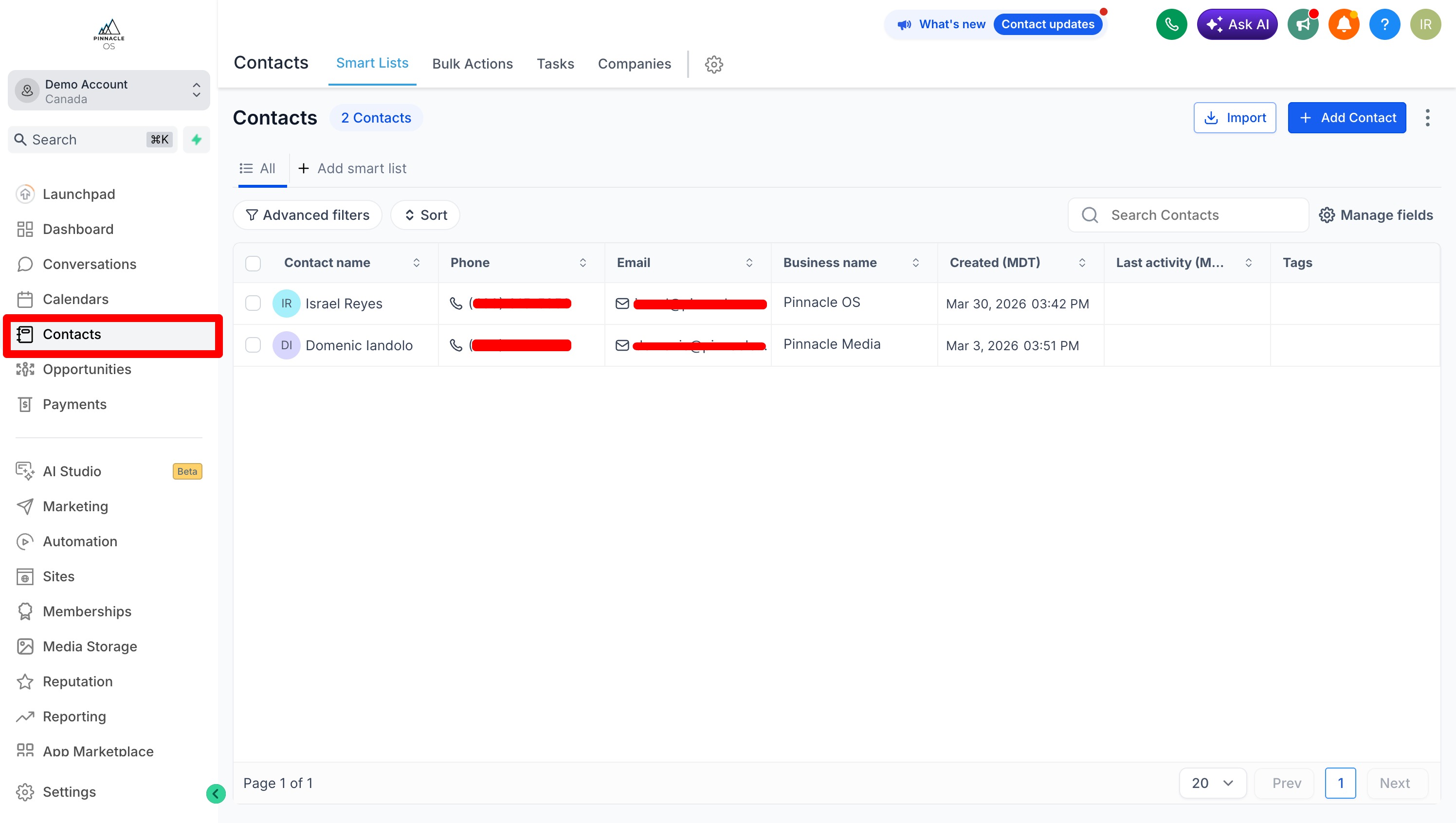
Go to Contacts in the left sidebar
You will see a list of all your contacts.
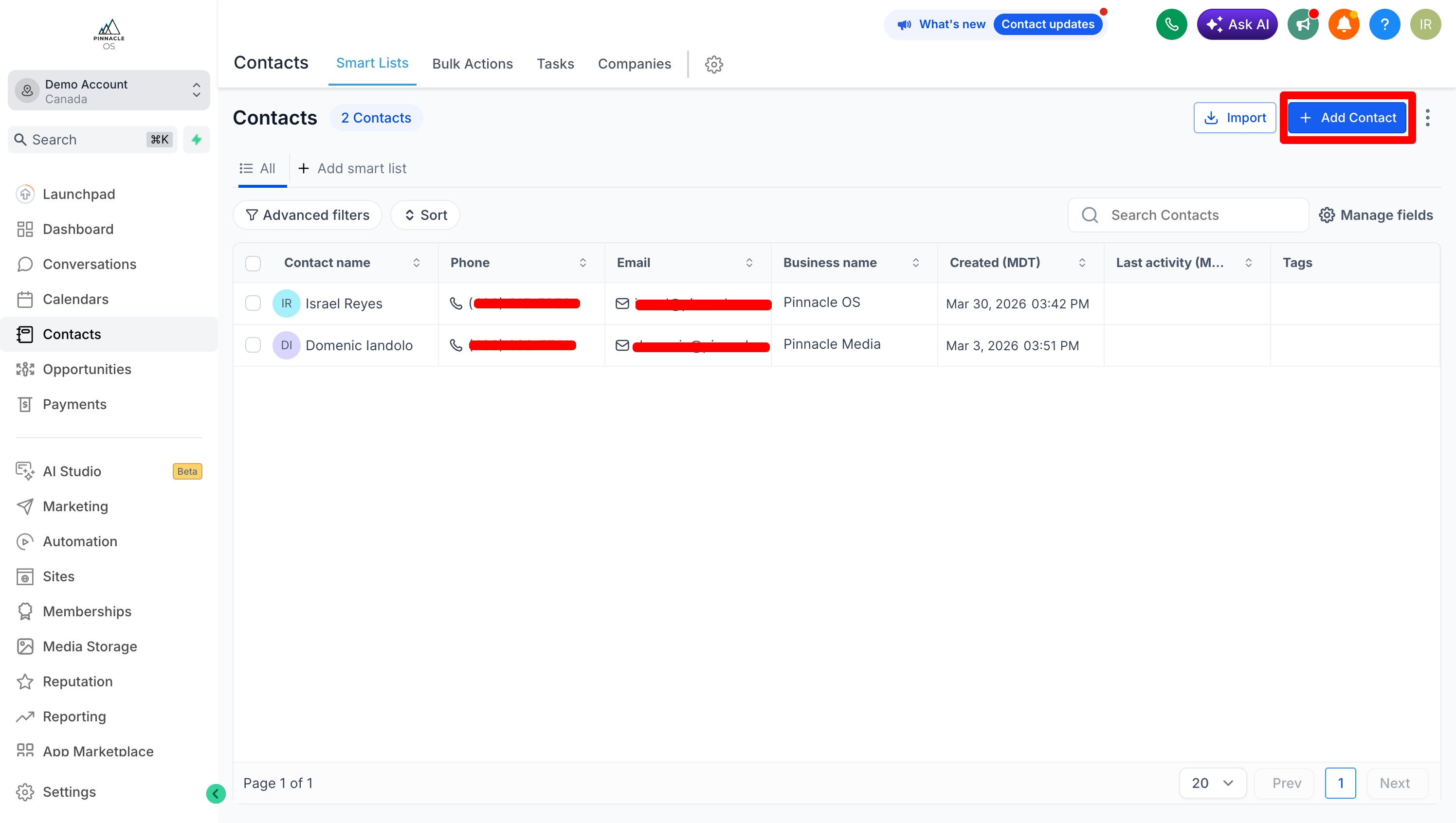
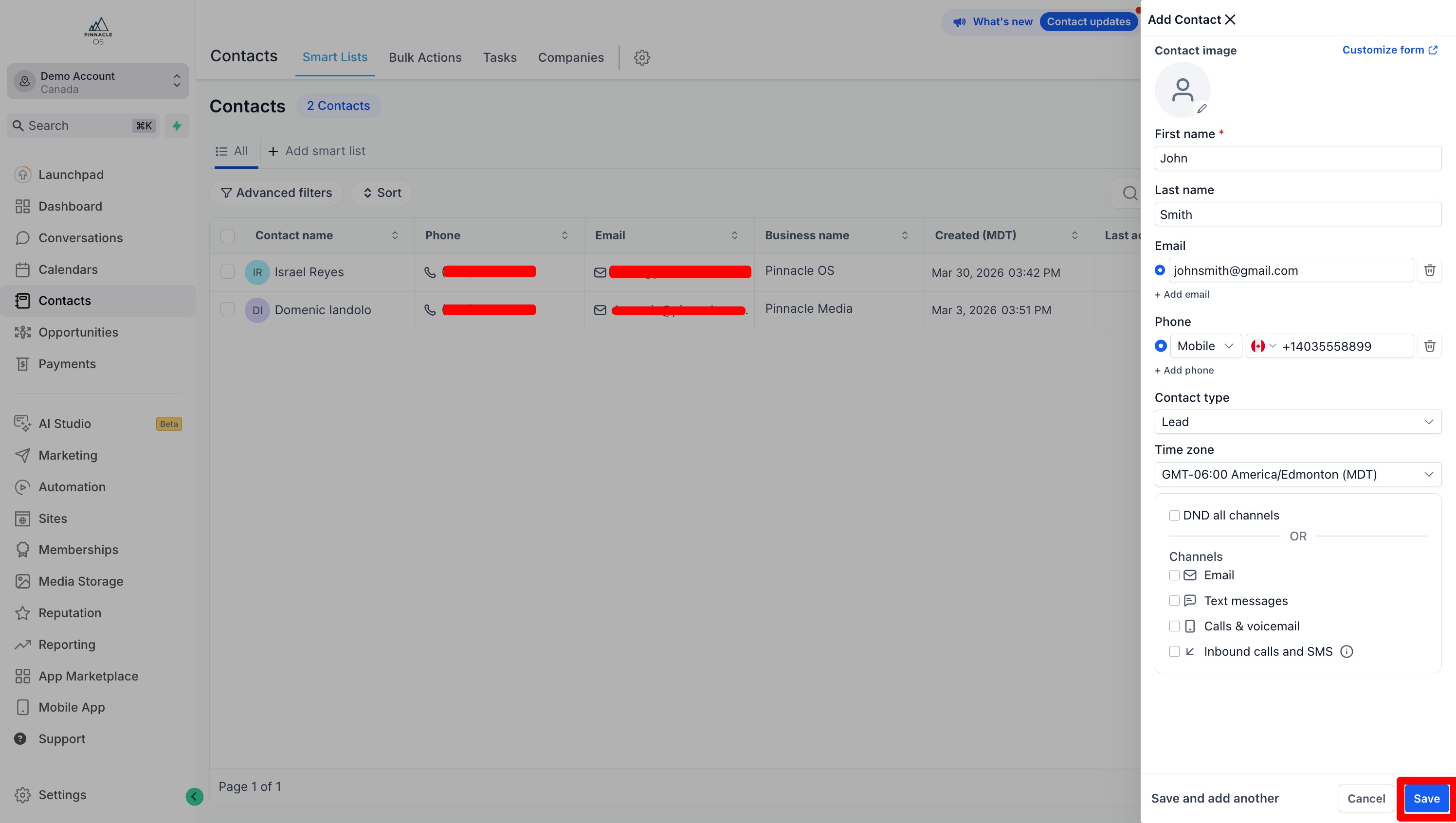
To Manually Add Contacts, select the Add Contact
You can manually add contact details such as birthdays, business details, and more.
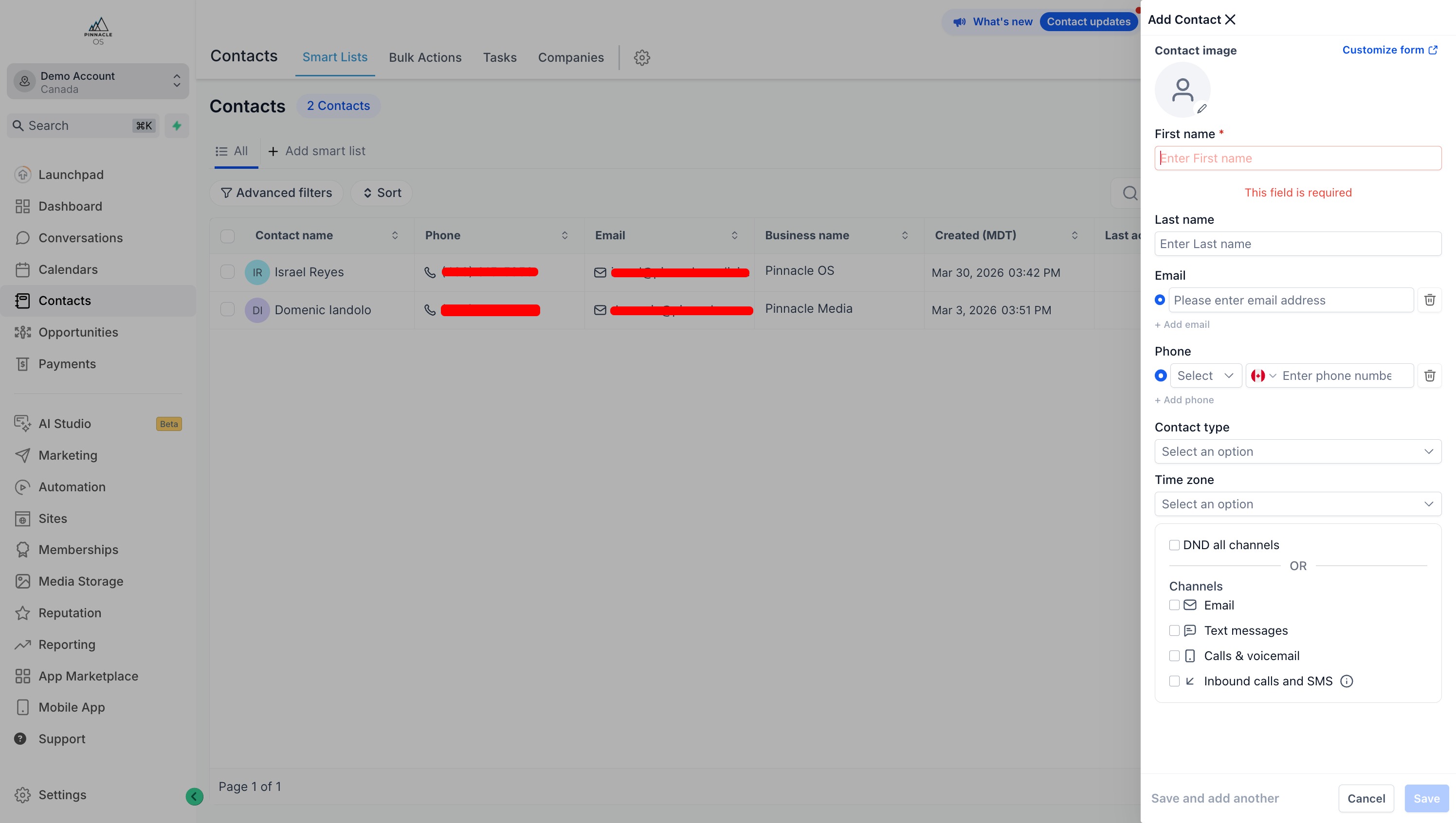
Once complete, select Save to save the contact
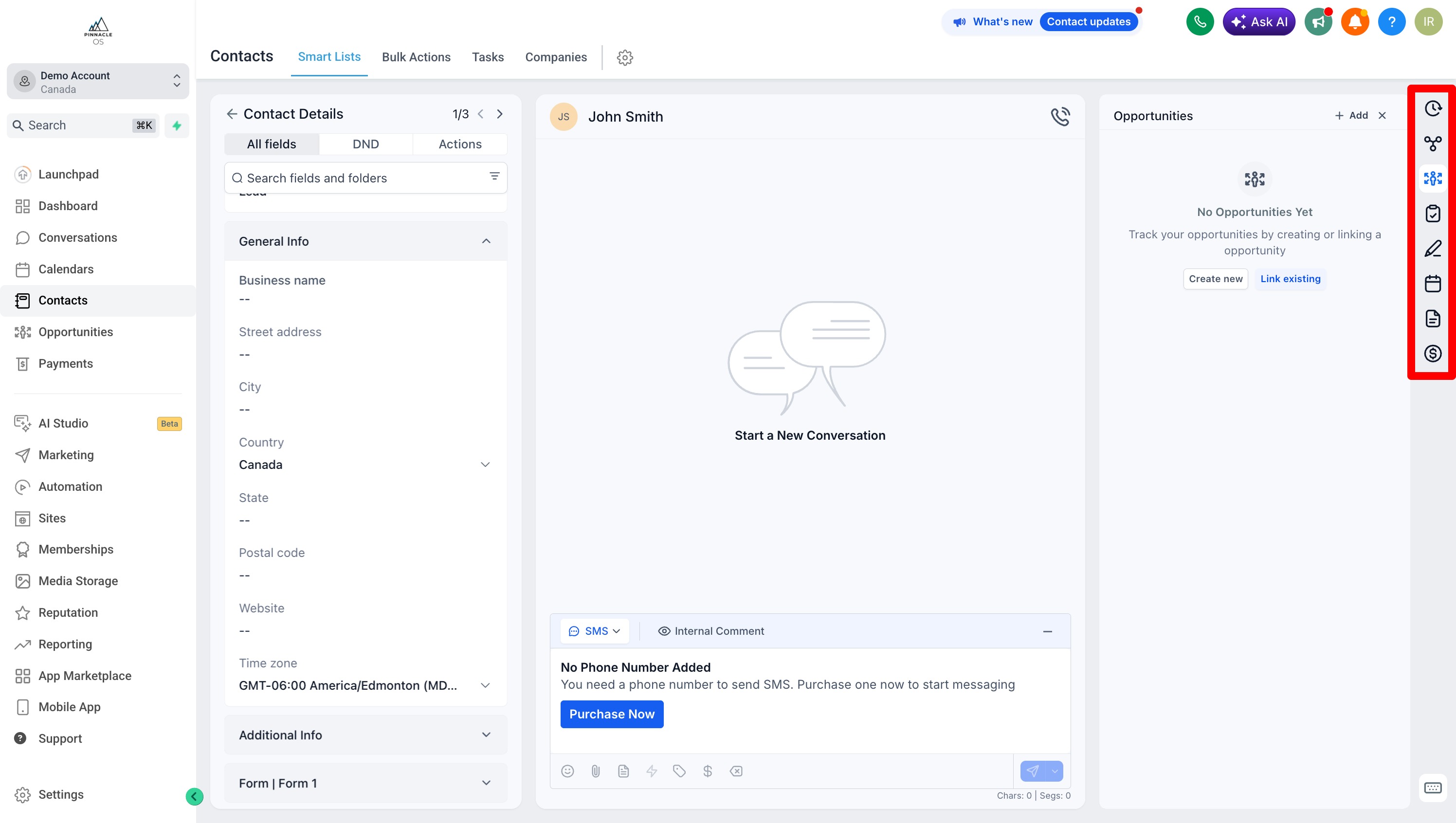
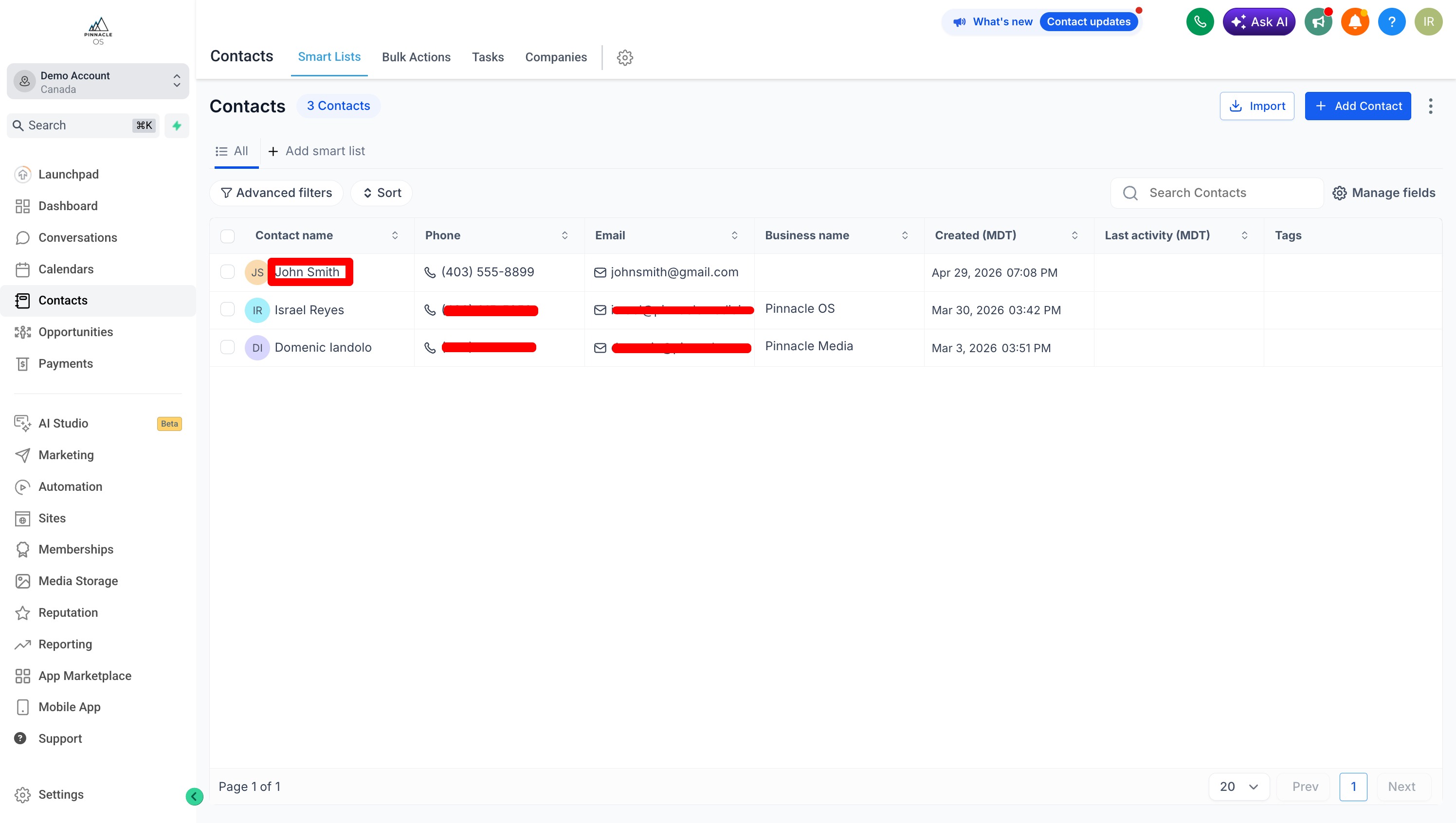
When your contact has been added, select the name to view their contact details in depth.
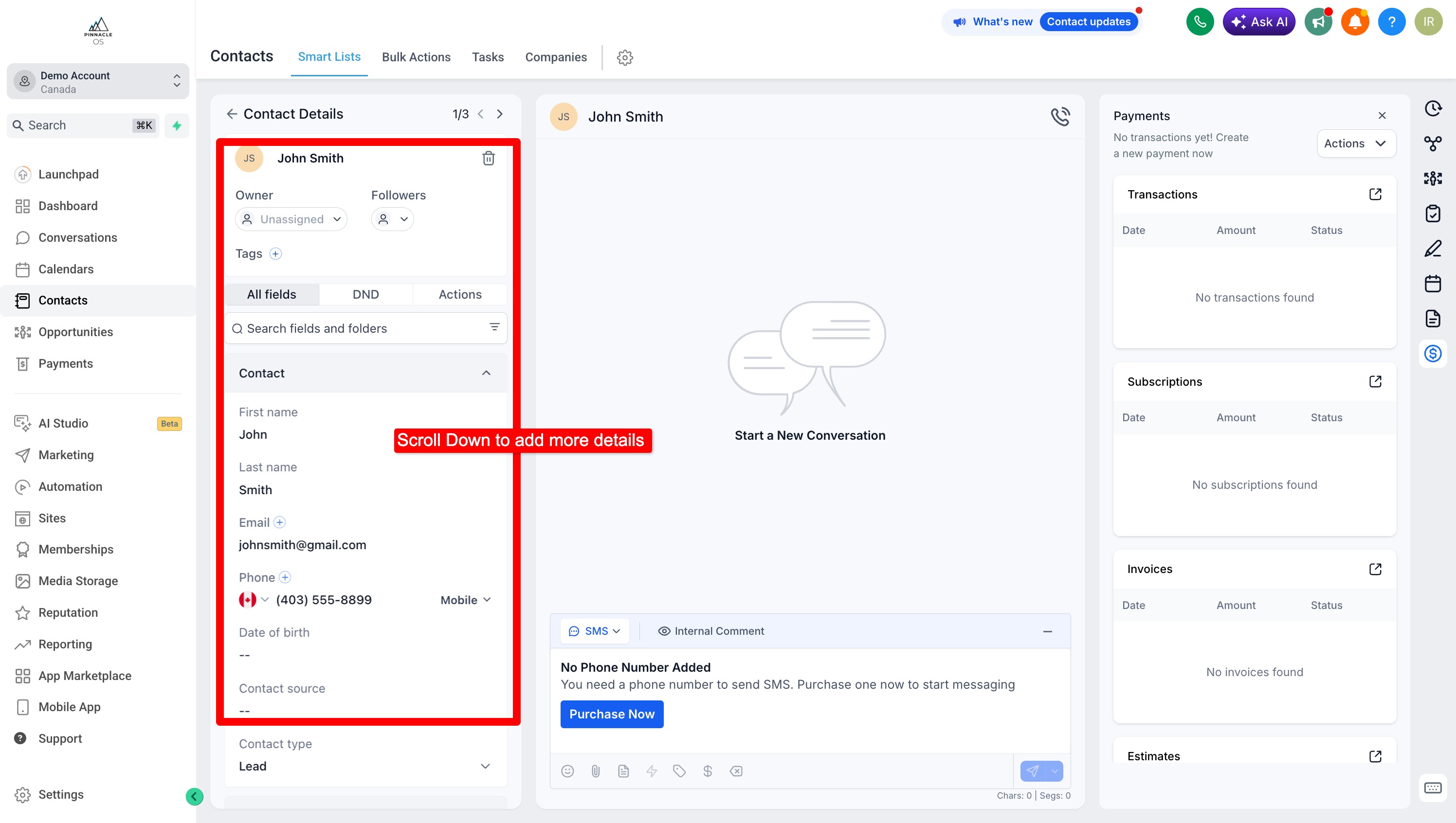
You can view this contact's details
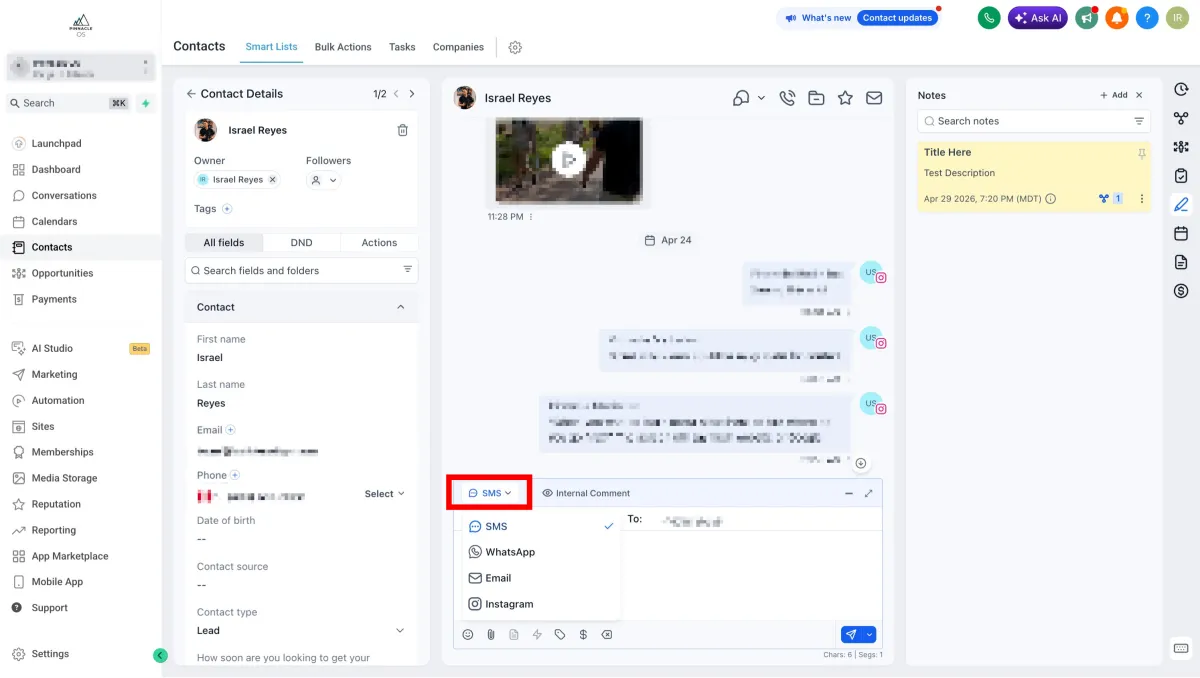
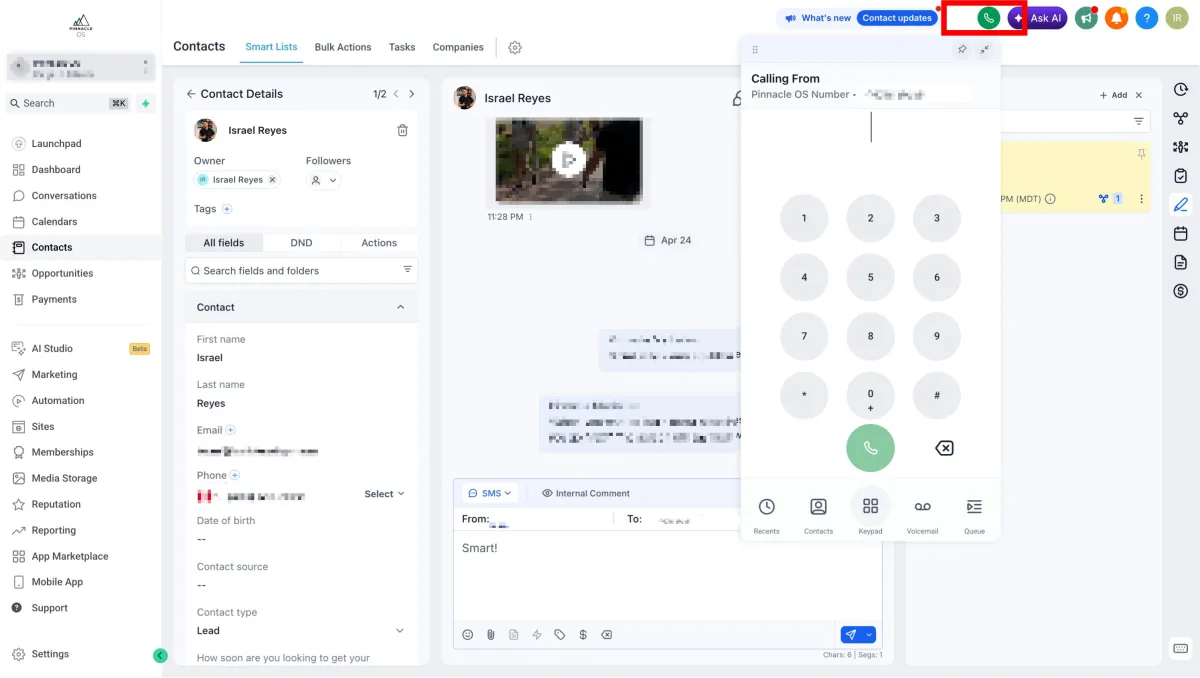
On the Middle you can view your Client Conversations, and select how you'd like to connect with your clients.
Tip: To connect with your clients through our system, you must have a purchased phone number and have your email domains created
You can also Call your Contacts directly through our system. Phone Calls can be saved on the Conversations Tab.
On the Top Right, Press the Green Call Icon
On the right side you can see details such as Opportunities (where they are at in your pipeline), Tasks (to-do's), Notes, Appointments, or Transactions.