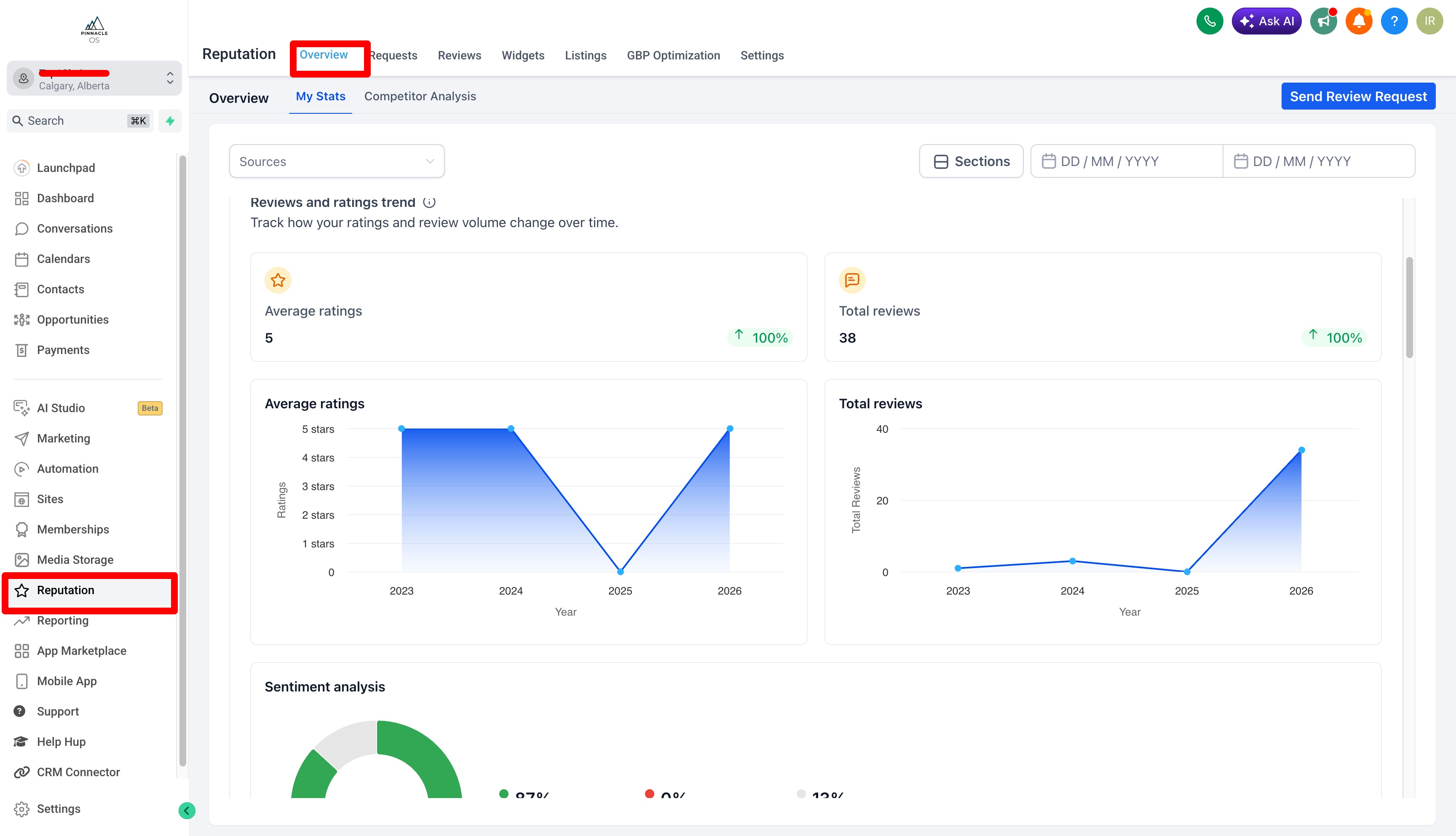
Google Reviews & Reputation
The more reviews you collect the higher you rank on Google and the more new customers find your business.
Your Google review automation fires automatically in 2 Ways:
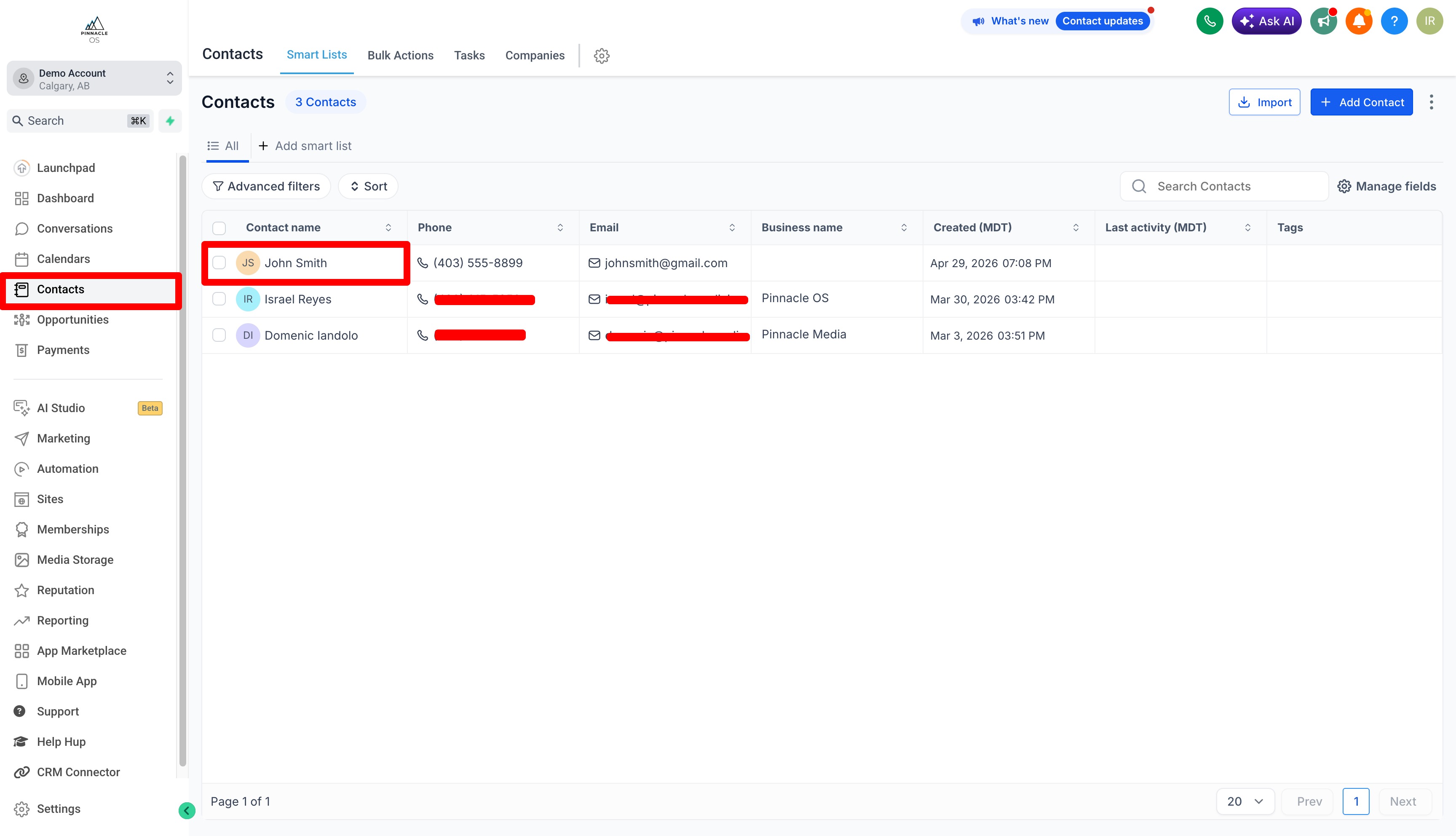
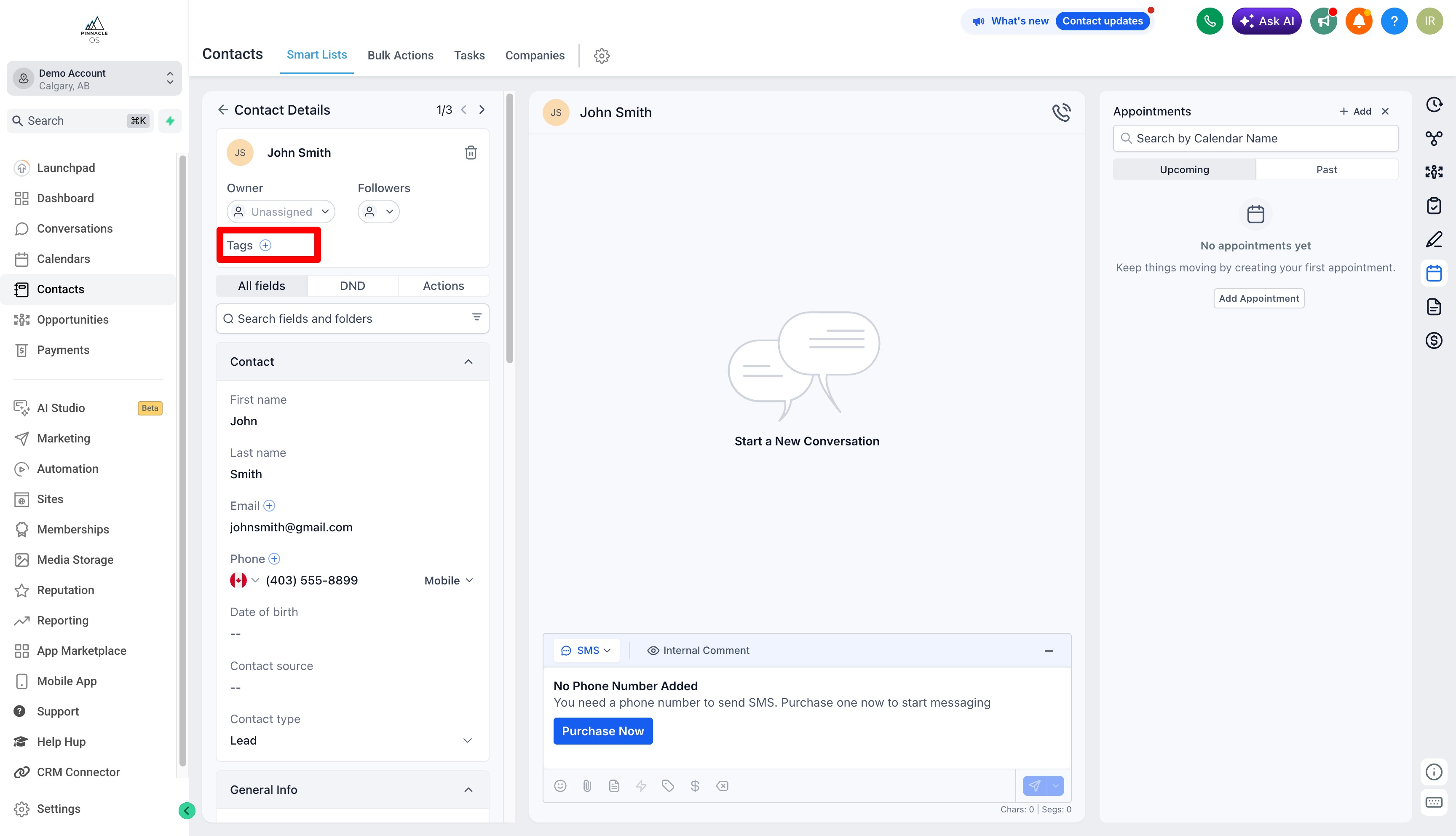
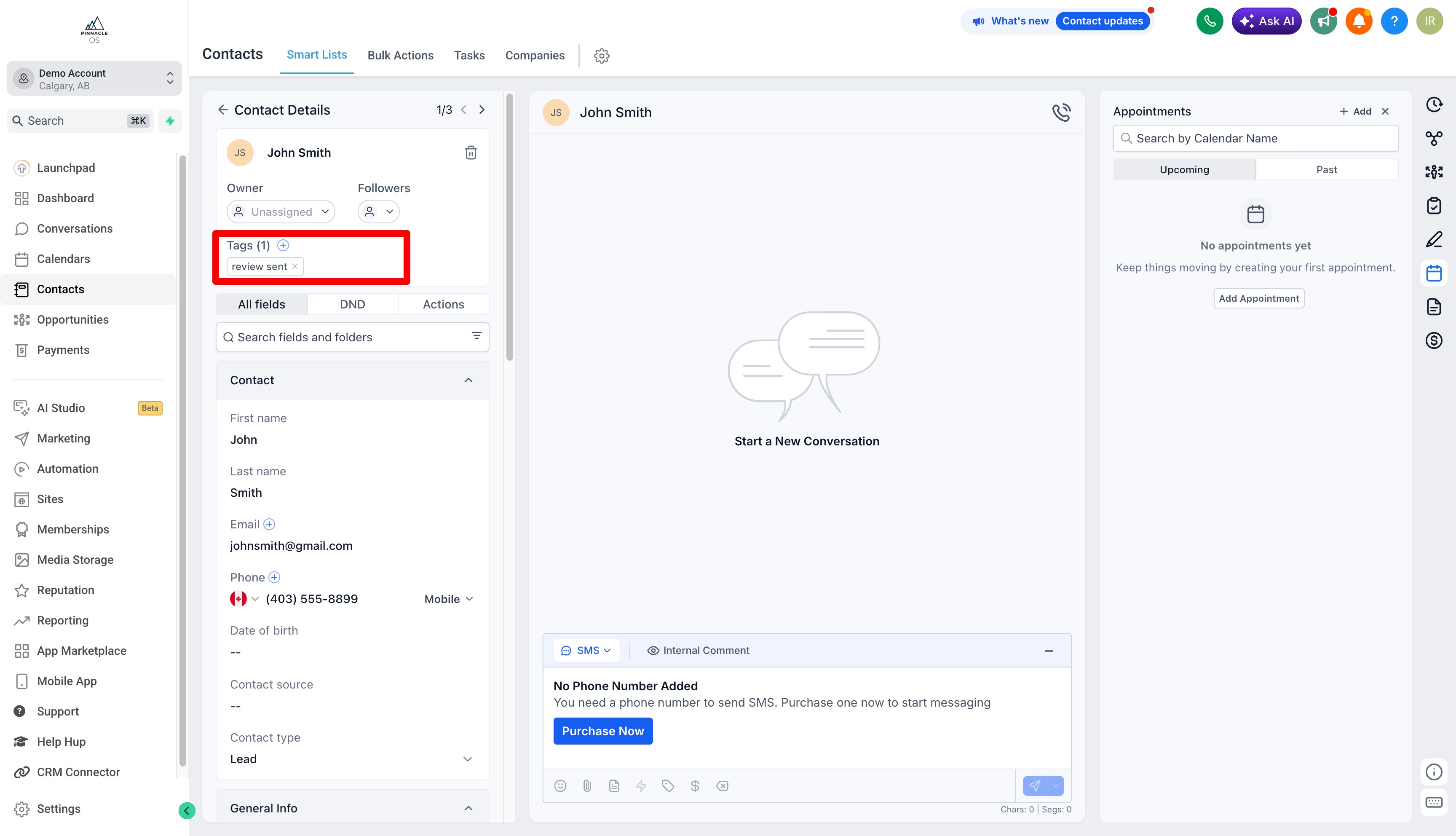
1. The first way is through your Contacts tab. Find the customer, open their Profile
Add the tag "Review Sent". The system will automatically send them a review request text.
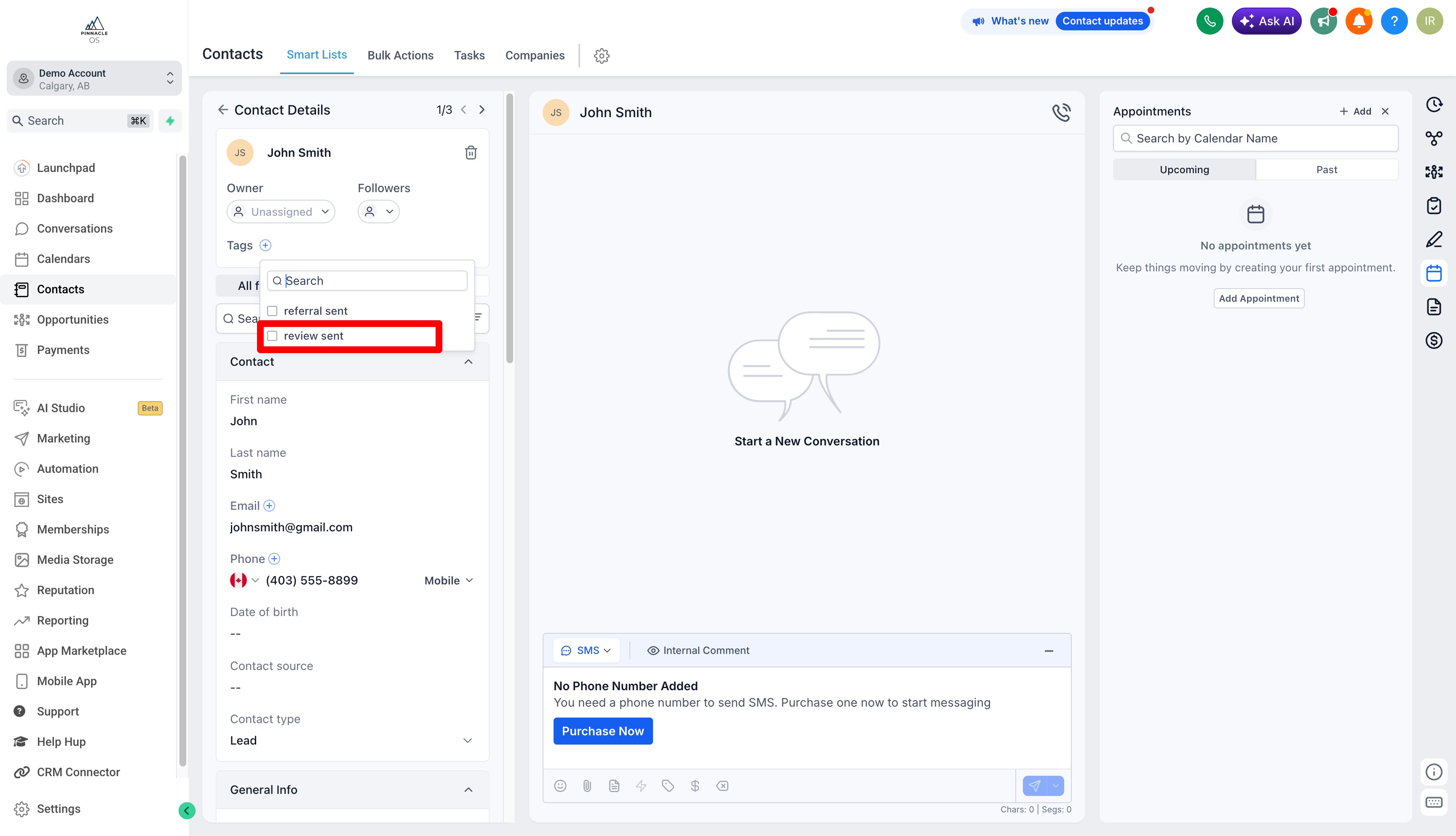
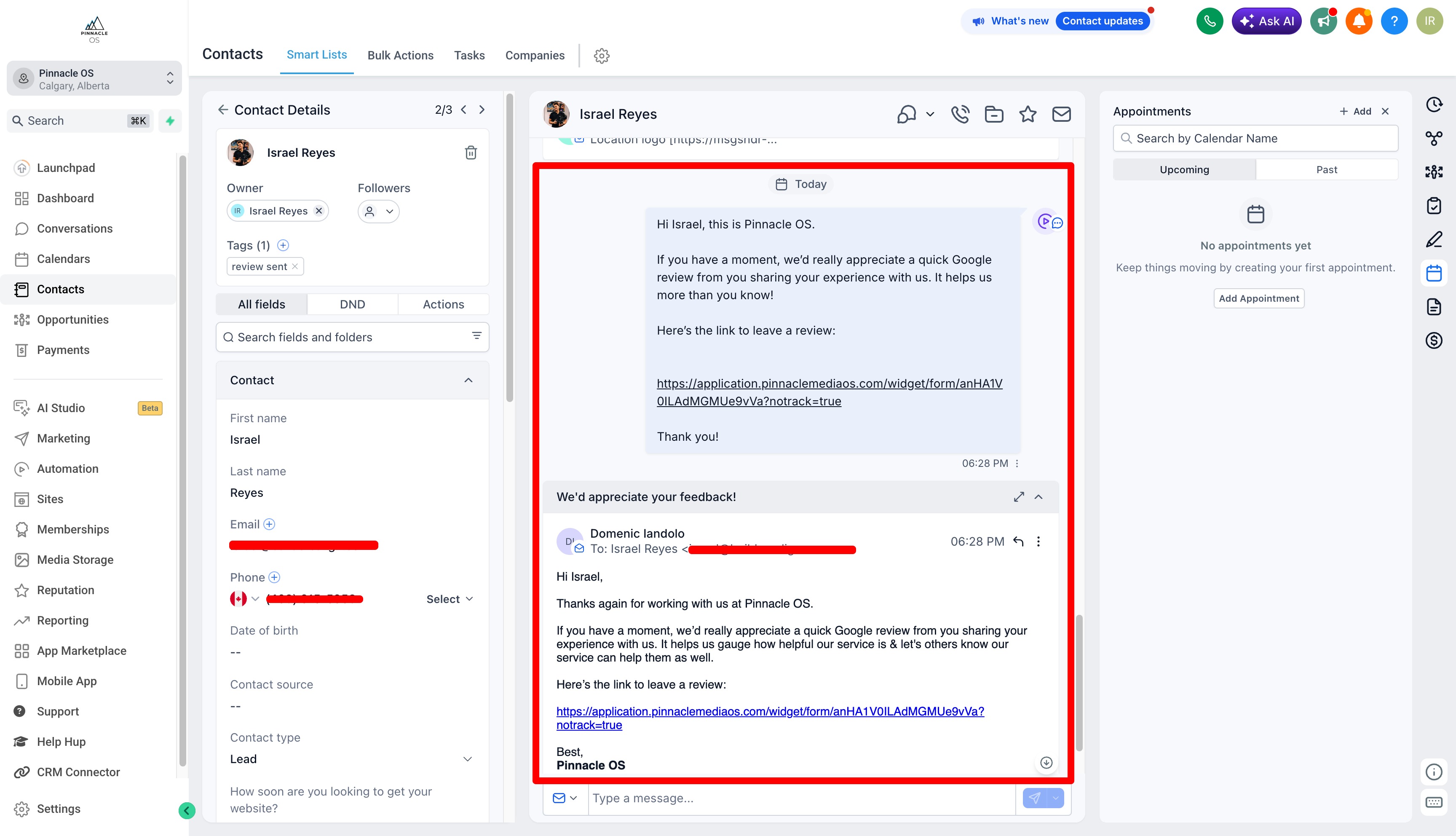
Clients will get sent an automated Google Review Link via Email and SMS
You will be notified if a client had a Poor Experience with your business.
You will be redirected to the conversations tab so that you can remedy the situation
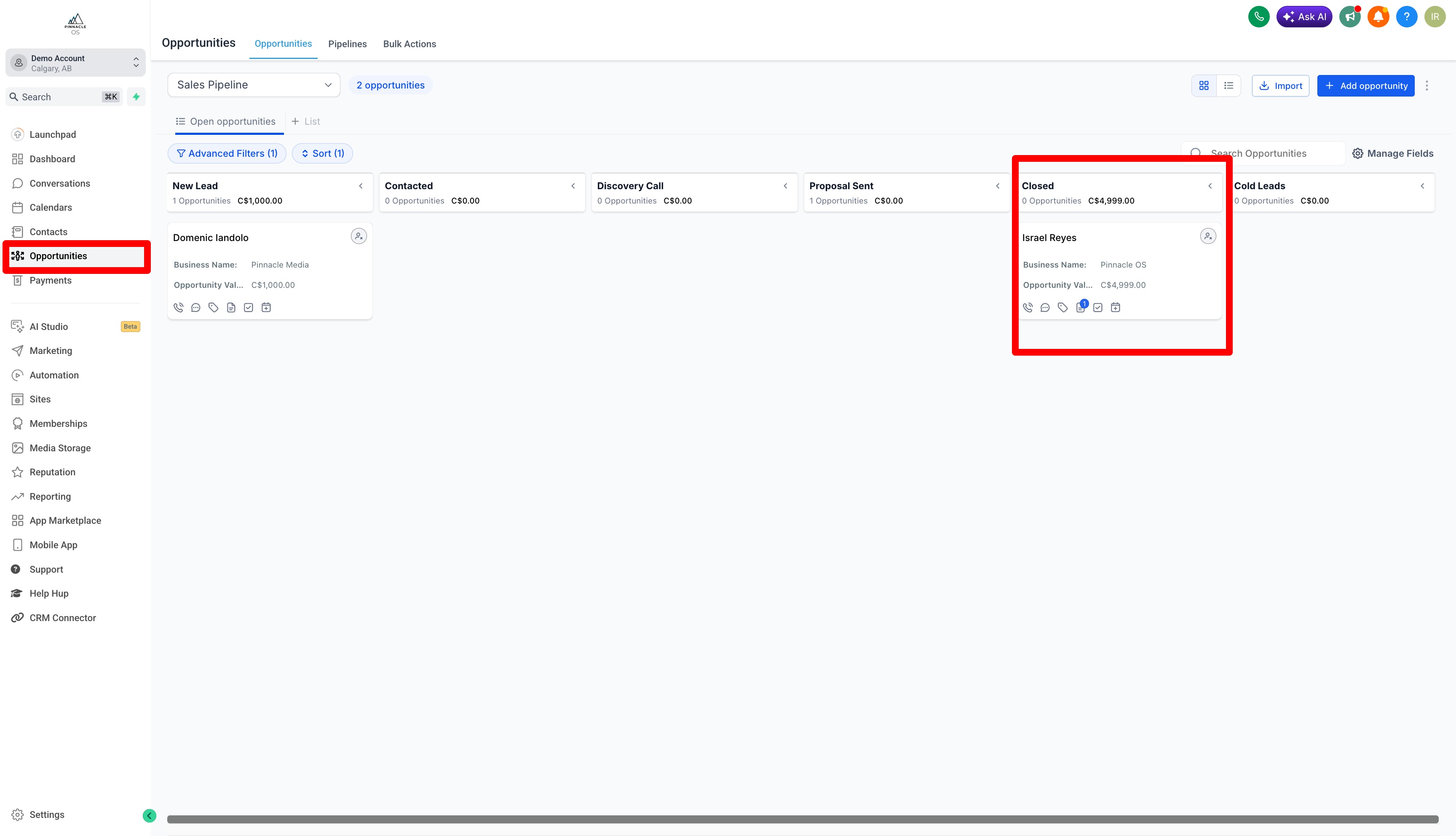
2. The second way is through your Opportunities Tab (Pipeline).
When you move a job to the Closed stage the system automatically sends a review request to that customer without you having to do anything else.
You can see your Reputation in the "Reputation" Tab and Selecting Overview